 |
Tiled Platformer Prototype
A Basic Tiled Platformer
|
Loading...
Searching...
No Matches
|
Tiled Platformer Prototype
A Basic Tiled Platformer
|
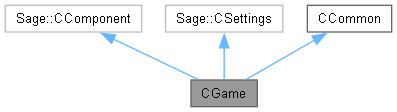
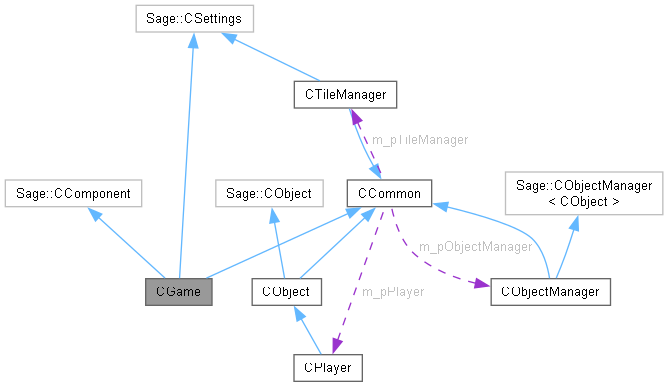
The game class. More...
#include <Game.h>
Public Member Functions | |
| ~CGame () | |
| Destructor. | |
| void | Initialize () |
| Initialize the game. | |
| void | ProcessFrame () |
| Process an animation frame. | |
| void | Release () |
| Release the renderer. | |
Private Member Functions | |
| void | LoadSprites () |
| Start loading sprites. | |
| void | LoadSounds () |
| Load sounds. | |
| void | BeginGame () |
| Begin playing the game. | |
| void | KeyboardHandler () |
| The keyboard handler. | |
| void | ControllerHandler () |
| The controller handler. | |
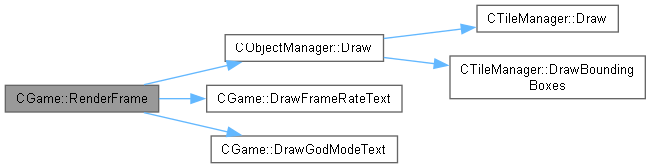
| void | RenderFrame () |
| Render an animation frame. | |
| void | DrawFrameRateText () |
| Draw frame rate text to screen. | |
| void | DrawGodModeText () |
| Draw god mode text if in god mode. | |
| void | CreateObjects () |
| Create game objects. | |
| void | FollowCamera () |
| Make camera follow player character. | |
| void | ProcessGameState () |
| Process game state. | |
Private Attributes | |
| bool | m_bDrawFrameRate = false |
| Draw the frame rate. | |
| int | m_nNextLevel = 0 |
| Current level number. | |
Additional Inherited Members | |
 Static Protected Attributes inherited from CCommon Static Protected Attributes inherited from CCommon | |
| static Sage::CSpriteRenderer * | m_pRenderer = nullptr |
| Pointer to renderer. | |
| static CObjectManager * | m_pObjectManager = nullptr |
| Pointer to object manager. | |
| static Sage::CParticleEngine2D * | m_pParticleEngine = nullptr |
| Pointer to particle engine. | |
| static CTileManager * | m_pTileManager = nullptr |
| Pointer to tile manager. | |
| static CPlayer * | m_pPlayer = nullptr |
| Pointer to player character. | |
| static Vector2 | m_vWorldSize |
| World height and width. | |
| static bool | m_bGodMode = false |
| God mode flag. | |
| static bool | m_bShowBounds = false |
| Draw bounding boxes and circles flag. | |
| static eGameState | m_eGameState = eGameState::Loading |
| Game state. | |
The game class is the object-oriented implementation of the game. This class must contain the following public member functions. Initialize() does initialization and will be run exactly once at the start of the game. ProcessFrame() will be called once per frame to create and render the next animation frame. Release() will be called at game exit but before any destructors are run.
| CGame::~CGame | ( | ) |
Delete the renderer, the object manager, and the tile manager. The renderer needs to be deleted before this destructor runs so it will be done elsewhere.
|
private |
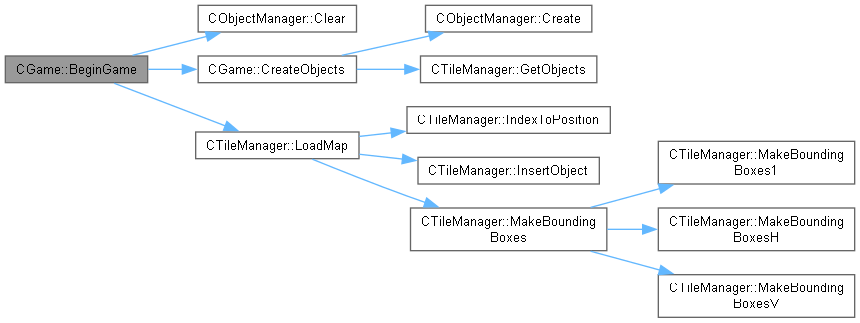
Call this function to start a new game. This should be re-entrant so that you can restart a new game without having to shut down and restart the program. Clear the particle engine to get rid of any existing particles, delete any old objects out of the object manager and create some new ones.

|
private |
Poll the XBox controller state and respond to the controls there.


|
private |
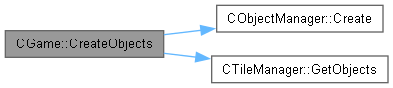
Ask the object manager to create the game objects.

|
private |
Draw the current frame rate to a hard-coded position in the window. The frame rate will be drawn in a hard-coded position using the font specified in gamesettings.xml.

|
private |
Draw the god mode text to a hard-coded position in the window using the font specified in gamesettings.xml.

|
private |
Make the camera follow the player, but don't let it get too close to the edge unless the world is smaller than the window, in which case we just center everything.


| void CGame::Initialize | ( | ) |
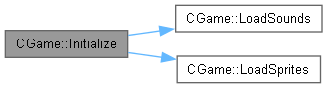
Initialize the renderer, the tile manager and the object manager, load images and sounds, and begin the game.

|
private |
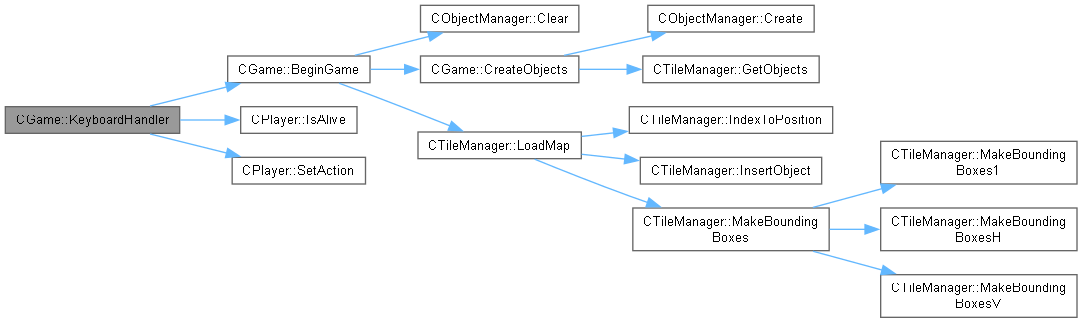
Poll the keyboard state and respond to the key presses that happened since the last frame.

|
private |
Load the sounds for this game.

|
private |
Load the sprites for this game.

| void CGame::ProcessFrame | ( | ) |
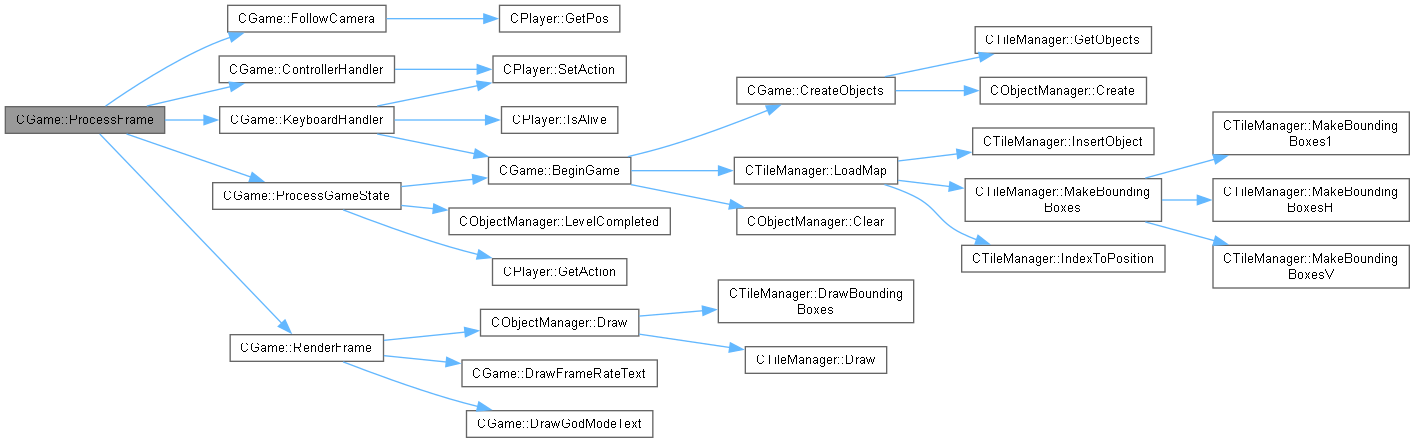
This function will be called regularly to process and render a frame of animation, which involves the following. Handle keyboard input. Notify the audio player at the start of each frame so that it can prevent multiple copies of a sound from starting on the same frame.
Move the game objects. Render a frame of animation.

|
private |
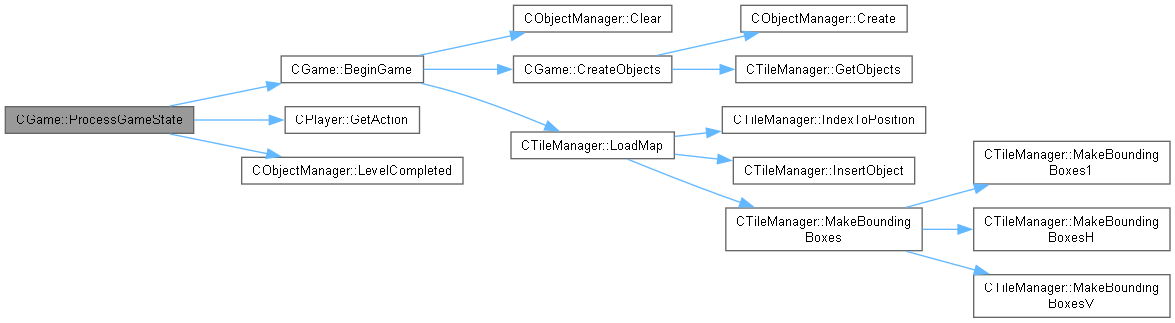
Take action appropriate to the current game state. If the game is currently playing, then if the player has been killed or all turrets have been killed, then enter the wait state. If the game has been in the wait state for longer than 4 seconds, then restart the game.

| void CGame::Release | ( | ) |
Release all of the DirectX12 objects by deleting the renderer.

|
private |
Ask the object manager to draw the game objects. The renderer is notified of the start and end of the frame so that it can let Direct3D do its pipelining jiggery-pokery.

 1.12.0