 |
Lindenmayer System
A Simple L-system Image Generator Featuring Turtle Graphics
|
|
Lindenmayer System
A Simple L-system Image Generator Featuring Turtle Graphics
|
The acronym ABOP will be used throughout this documentation as an abbreviation for the book The Algorithmic Beauty of Plants, by Prusinkiewicz and Lindenmayer, published by Springer-Verlag in 1990. At the time of writing a free pdf of this book can be found by searching for the title in your search engine of choice.
The source code for this basic L-system generator, written and maintained by Ian Parberry, is intended to be used by students to extend and modify while they are learning about Lindenmayer systems. It can generate and save images from a few hard-coded L-systems and the basic functionality is in place for adding more. The images are currently limited to line drawings created with GDI+. The following L-systems have been implemented from ABOP.
Figure 1.24(a-f), Plant-like structures:
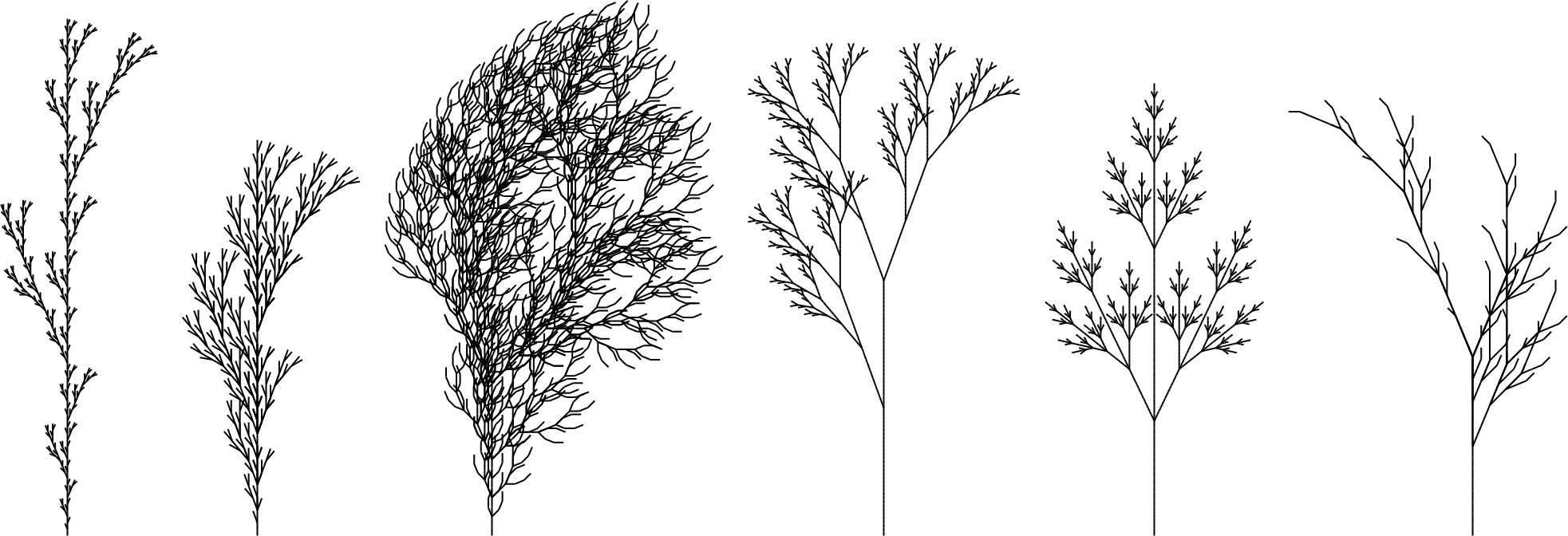
Figure 1.27, a stochastic branching structure. It will be different each time it is generated, such as the 5 examples shown below:
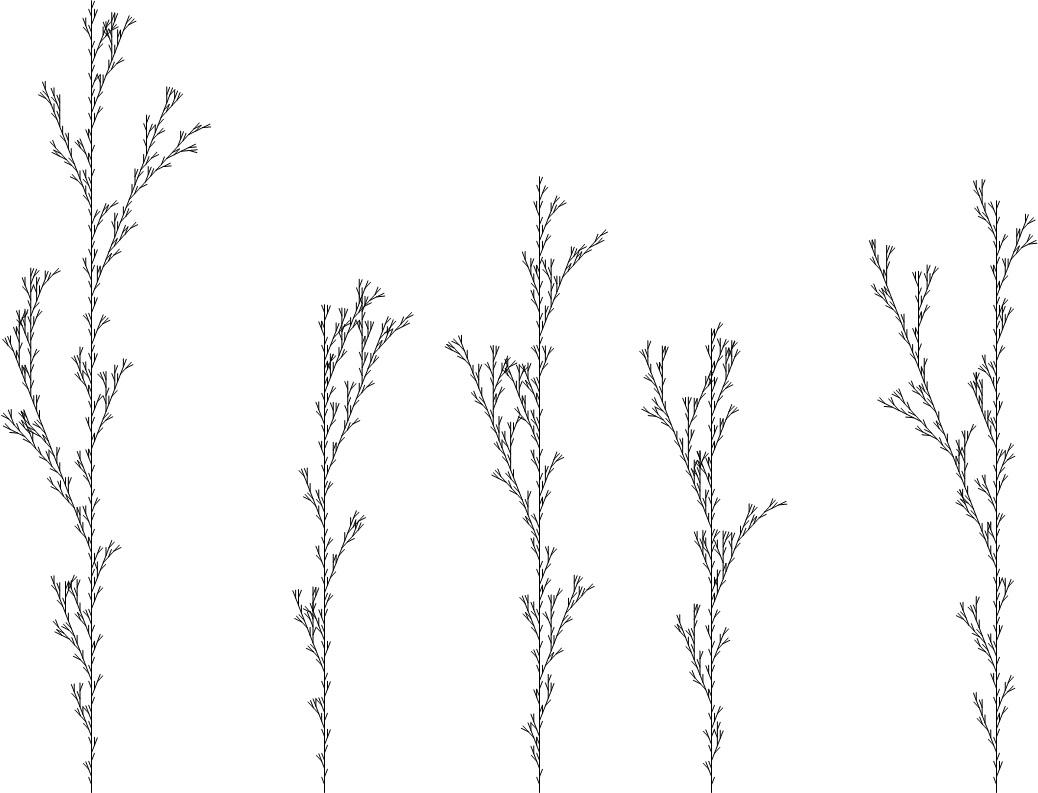
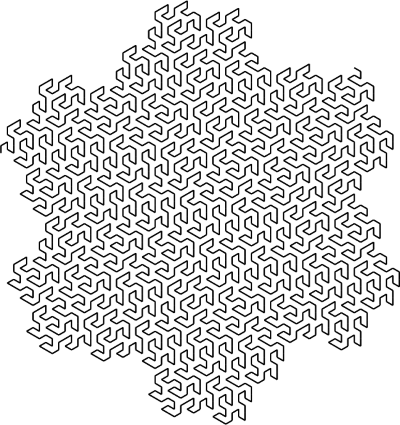
Figure 1.11(a), a hexagonal Gosper curve:
The user interface consists of three drop-down menus, File, L-System, and View.
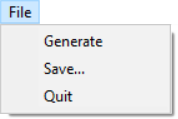
The File menu lets you Generate a new image (stochastic L-systems only), Save the current image, or Quit the application. Generate will be disabled for non-stochastic L-systems. Saved images will be clipped to the image (that is, they will be exactly as big as they need to be) with a transparent background in PNG format, using the same line thickness as the image displayed in the window.
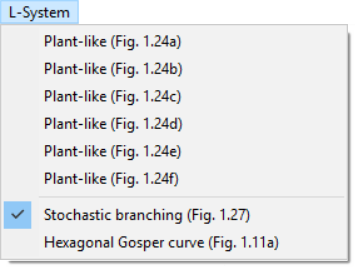
The L-System menu lets you select from some hard-coded L-systems. A checkmark will appear next to the one that is currently displayed.
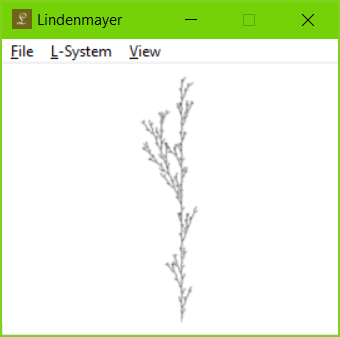
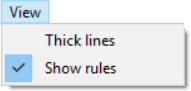
The View menu lets you enable or disable drawing with Thick lines, and the display of the L-system rules in the top-left corner of the window. Check marks will appear next to enabled selections. For example, the following image has Show rules enabled and Thick lines disabled. Note that the rules text will not appear in any saved image whether or not Show rules is selected.
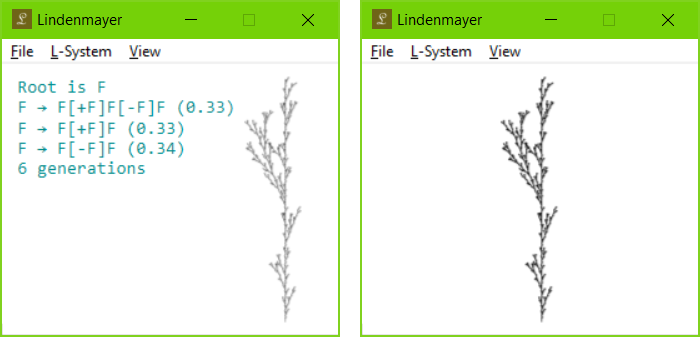
The screenshot below left has Show rules enabled and Thick lines disabled, and the one on the right has Show rules disabled and Thick lines enabled.
It is assumed that the reader is familiar with the basics of Windows programming such as WinMain, the Window procedure, message passing, dialog boxes, and drop-down menus. The code relies heavily on containers from namespace std, specifically, std::string, std::wstring, std::stack, std::map, and std::vector. Main.cpp contains the mandatory Windows functions wWinMain() and a Window procedure WndProc(), which share a single global variable static CMain* g_pMain. Most of the other gnarly Windows-specific code is hidden away in WindowsHelpers.cpp.
The two main classes are CMain, which encapsulates the main body of the code in the approved object-oriented fashion, and LSystem, which generates strings of characters from a root string and a set of rules, also known as productions. LSystem is a stochastic generator, which means that rules that have the same left-hand hand are labelled with a probability of being chosen. It is expected that the probabilities of rules with any given left-hand side sum to unity. (Exercise: Examine LSystem::Generate() to find out what happens when they sum to less than unity and when they sum to more than unity.) The string generated by LSystem::Generate() is drawn to a Gdiplus::Bitmap by CMain using a GDI+ implementation of turtle graphics (see ABOP section 1.3 if you are unfamiliar with this term). This bitmap is drawn to the application's client area only when the application receives a WM_PAINT message.
Pseudo-randomness is provided by CRandom, which is a straightforward implementation of xorshift128. It is seeded using the Windows MMIO function timeGetTime, which returns the number of milliseconds that have elapsed since Windows was last rebooted. This ensures that, for stochastic L-systems, the probability of seeing the same image twice is negligible.
Add more hard-coded L-systems such as the following from ABOP:
Hint: Begin by adding a new entry in the L-system menu and a new case in the switch statement in CMain::CreateRules().
New features that you might want to consider adding to this code include the following:
Gdiplus::Graphics::FillPolygon to draw the leaves in ABOP Figure 1.25. (Hint: You will need to do a little 3D math. Also, Gdiplus::Color(106, 196, 39) is a pleasant shade of green.)  1.8.14